
A&D Medical
A&D Medical UA-1200BLE Smart Blood Pressure Monitor - Tested for Accuracy with Clinical Validation for Blood Pressure and Atrial Fibrillation.
A&D Medical UA-1200BLE Smart Blood Pressure Monitor - Tested for Accuracy with Clinical Validation for Blood Pressure and Atrial Fibrillation.
Couldn't load pickup availability
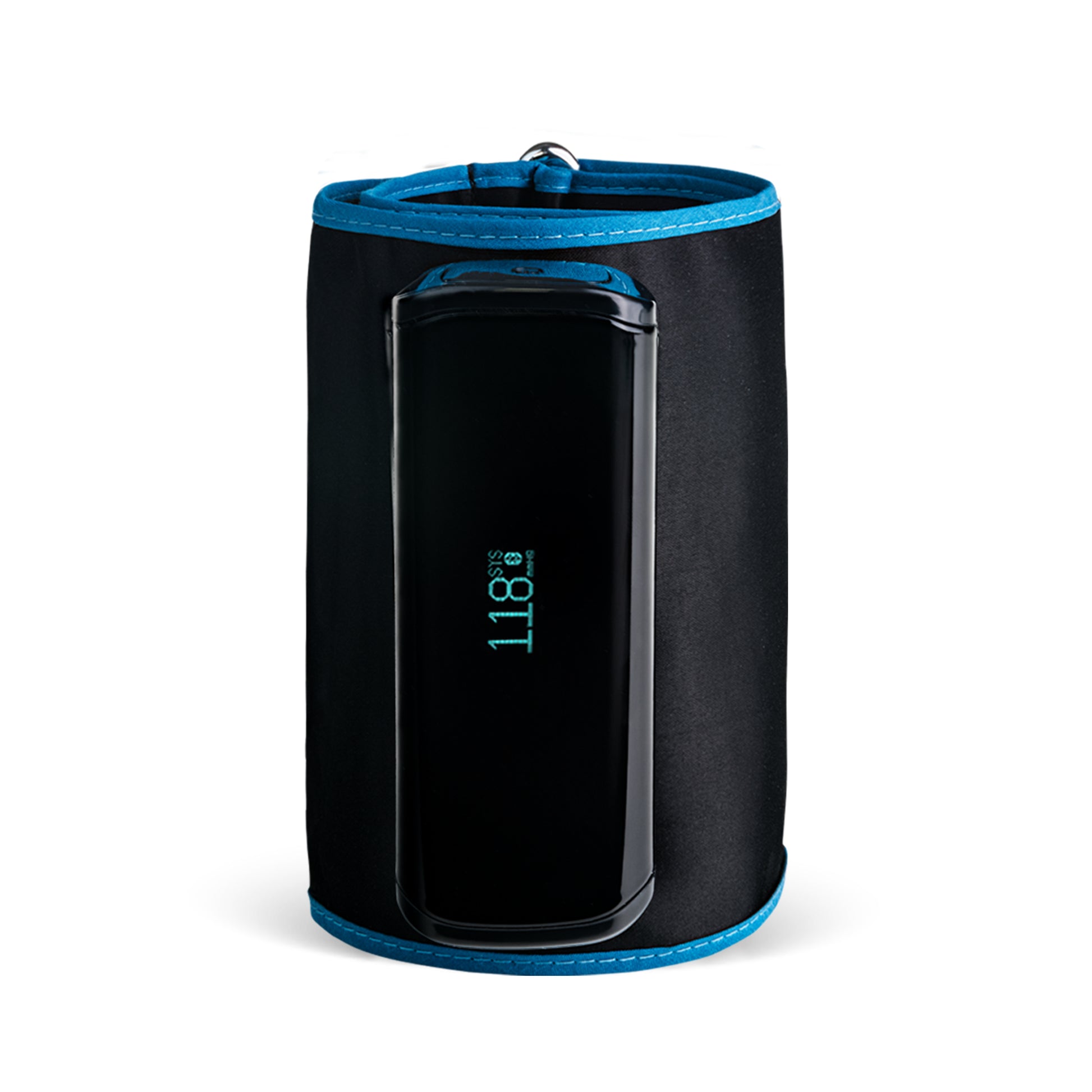
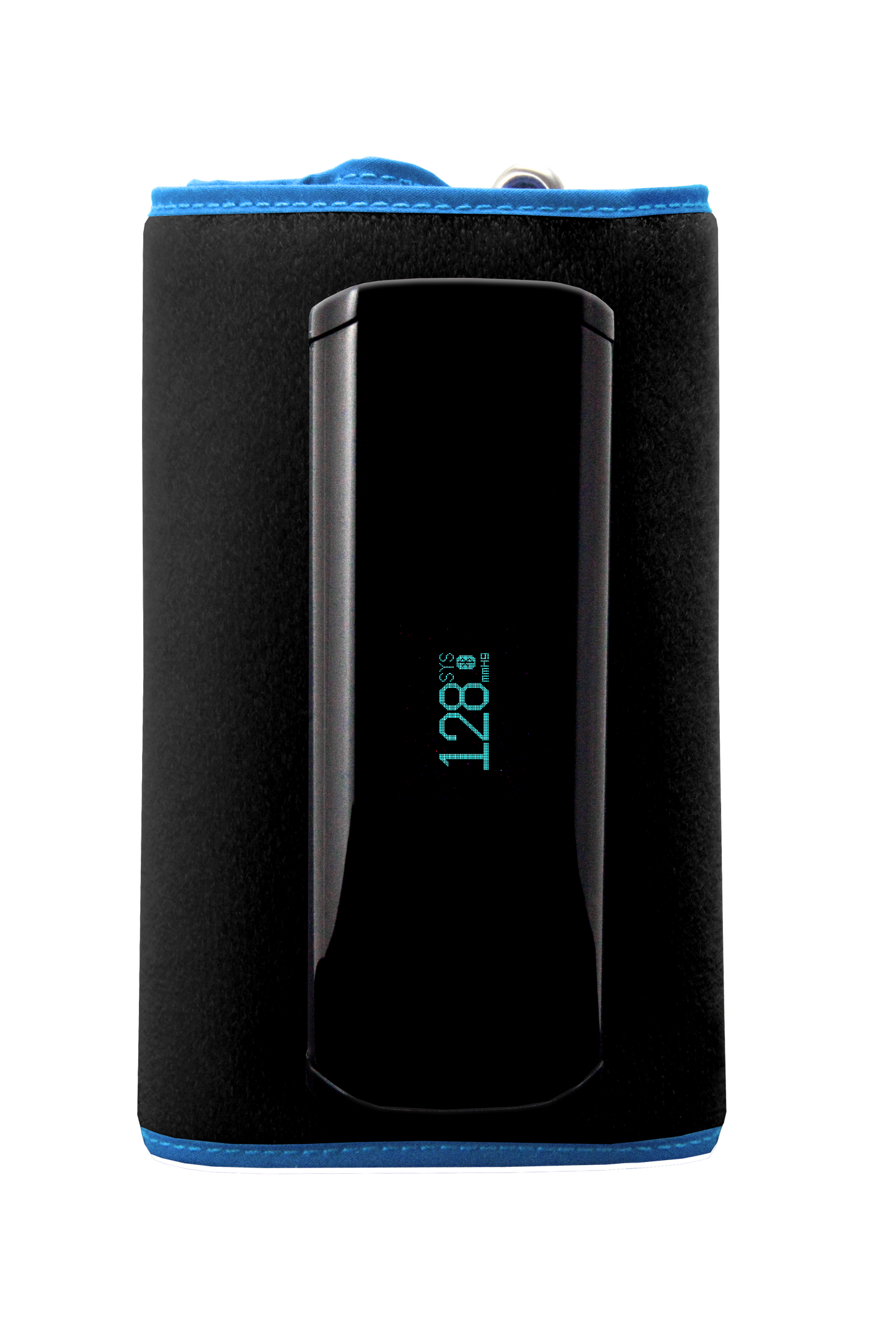
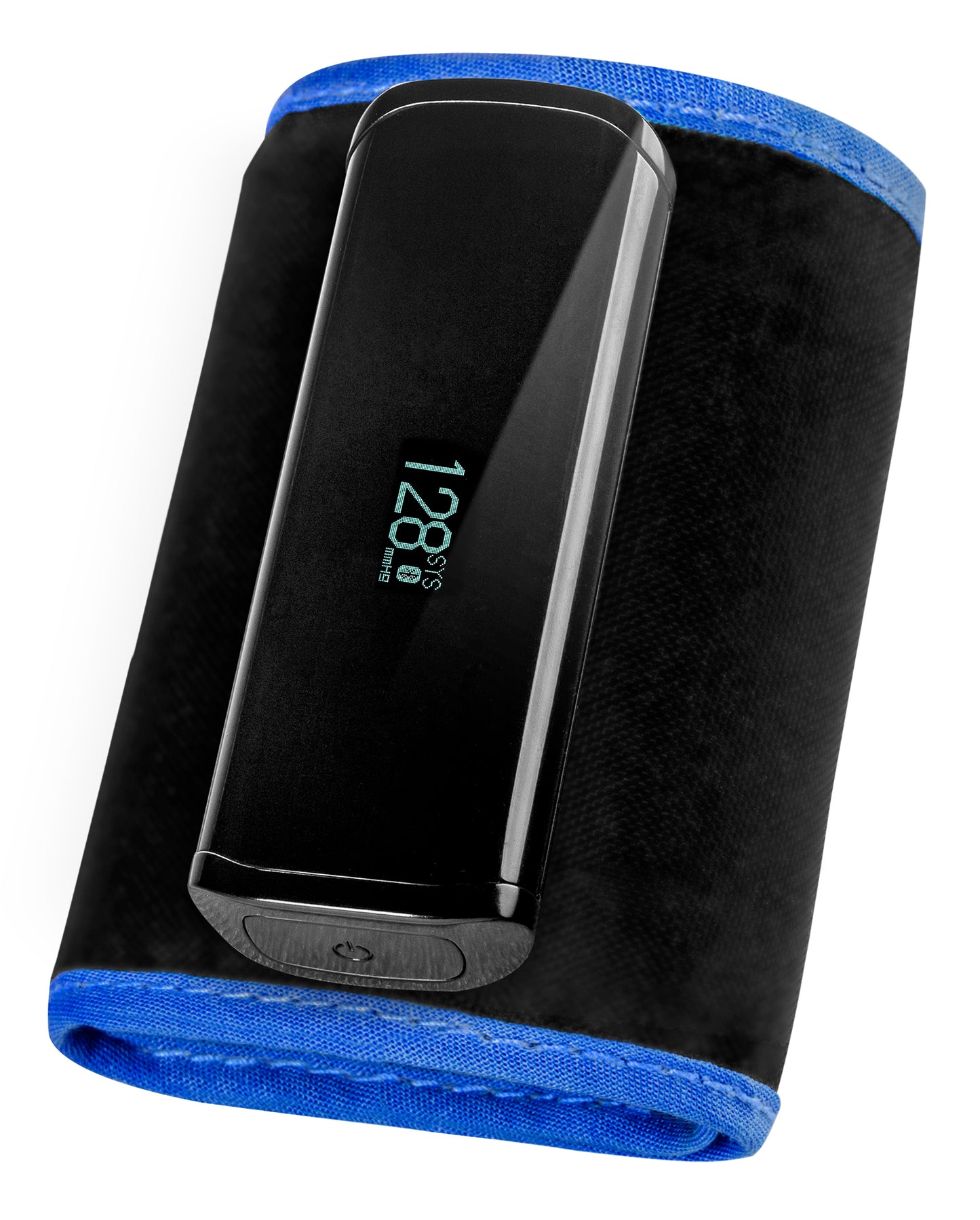
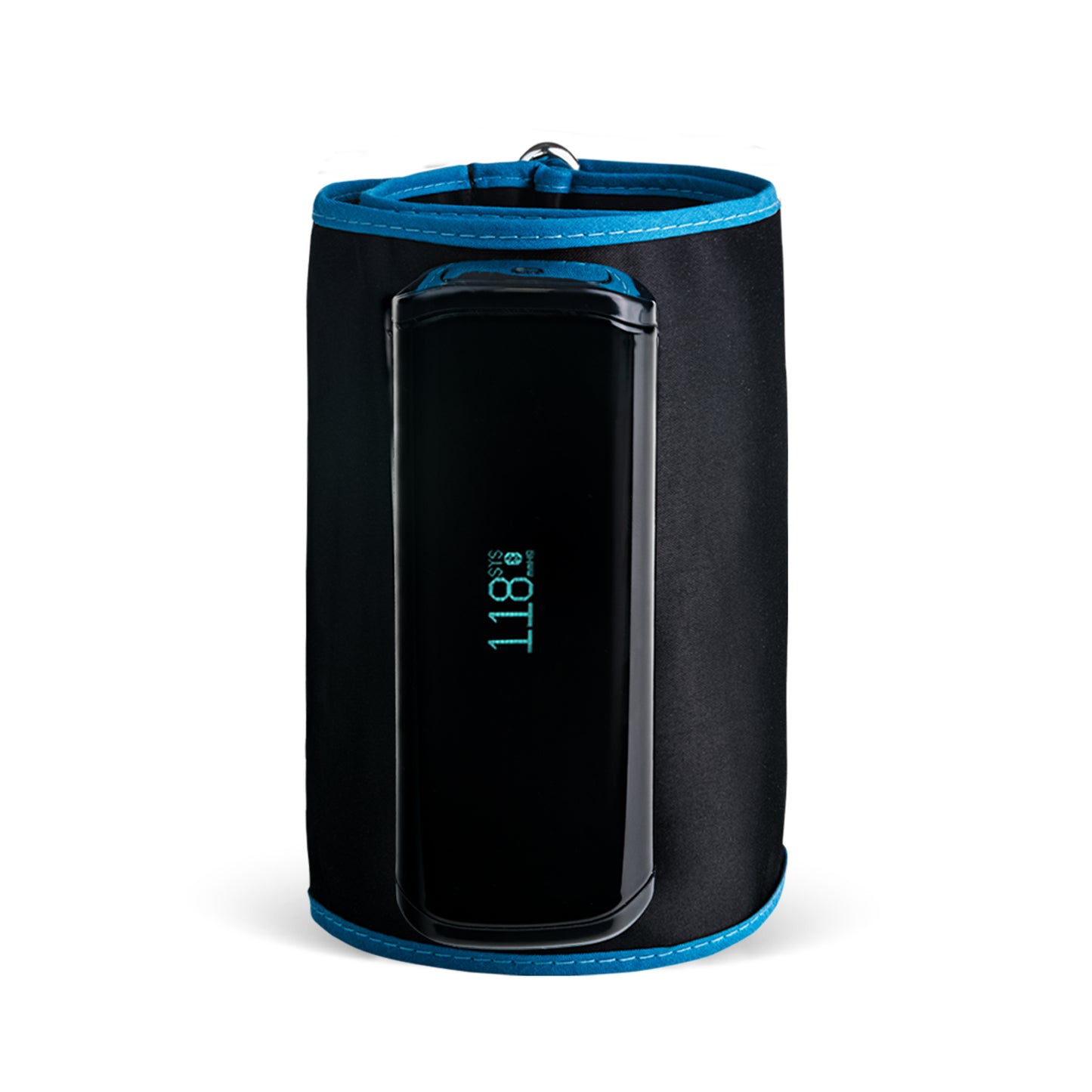
A&D Medical UA-1200BLE Smart Blood Pressure Monitor with Atrial Fibrillation Screening
-
Clinically validated AA accuracy +/-3% - European Society for Hypertension (ESH)
-
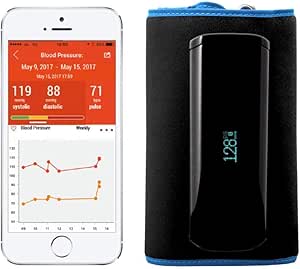
Track and trend results via A&D connect app
-
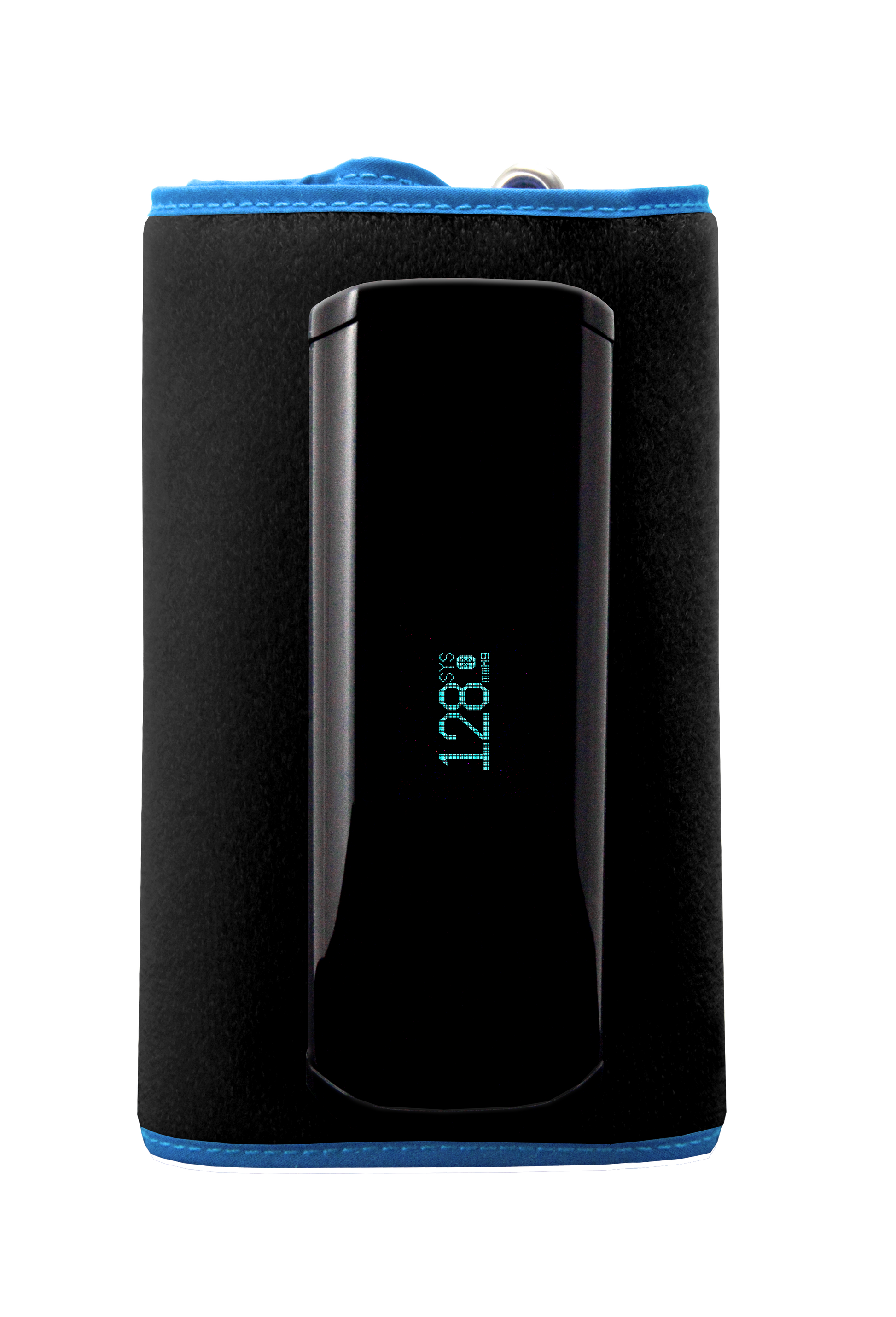
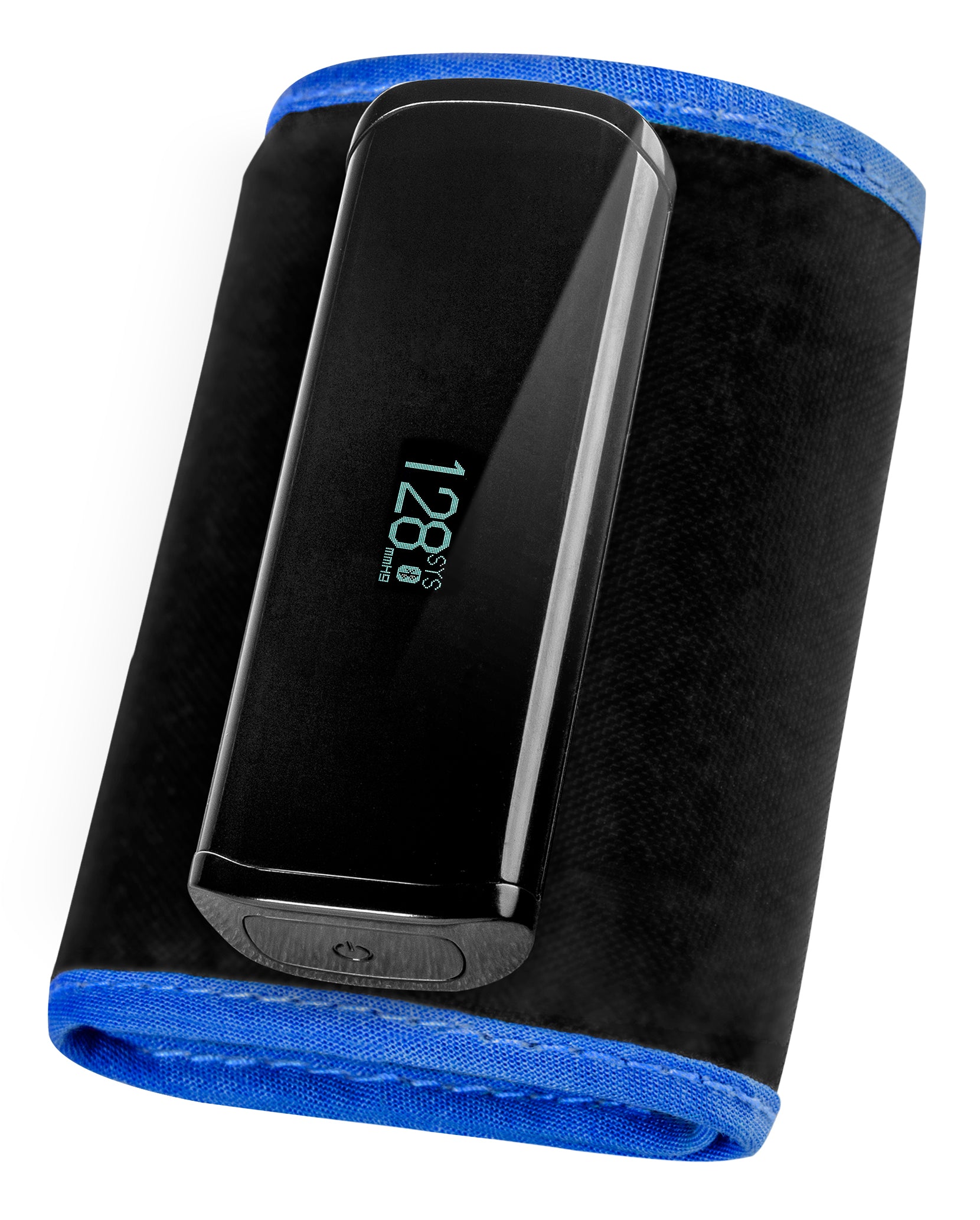
No tubes, no wires
-
Irregular Heart Beat Indicator
-
WHO Classification Indicator
-
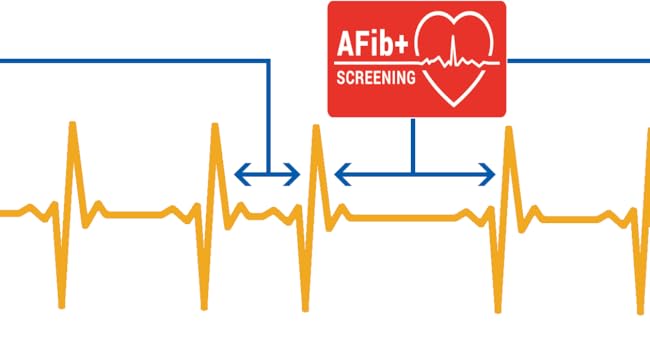
Atrial fibrillation screening
An irregular heart rhythm is defined as a rhythm that is 15% less or 15% more than the average sinus rhythm detected during blood pressure measurement.
Atrial fibrillation has received clinical validation via a peer reviewed journal.
Published clinical paper: https://onlinelibrary.wiley.com/doi/10.1111/jch.13076
Share
very old version, they should describe it clear , but you get what you paid .
Great when it works!!! Portable, Small, Good battery life, Great Charts (when you work out you need to try to print them to see them), just poorly finished off in the App and useability...
Well I know we are not generally ones for reading instructions - but there are some design faults to this product and one of them is the fact you have to turn it off & on to do another blood pressure test...
This means that at some point whilst you are trying to get on with your day you may accidentally put your device in to "Aeroplane Mode" (as if it really needed one of those) - which then turns off its Bluetooth. So here's what you do:
Check Airplane Mode:
Ensure Airplane Mode is turned OFF on the monitor's OLED screen
. If you see the airplane icon illuminated, the monitor cannot transmit data wirelessly
. To turn it off, hold down the Start button on the monitor until the airplane mode screen displays, tap the Start button to switch the setting to OFF, and wait 3 seconds
It still didn't download the last 30 odd days of data that should have accumulated on the device so don't worry about loosing data - its probably not going to sync anyway :-/
OR if that doesn't work for you
Step 2: Unpair the Device from Both the Phone and App
Forget the Device on iOS: Go to your iPhone’s Settings > Bluetooth, locate your UA-1200BLE monitor in the list of devices, tap the blue "i" (information icon), and select Forget This Device
.
Unpair in the App: If you can still access the app settings menu, select Unpair
. You can also select Remove User to clear your registered user profile on the monitor if needed
OR
Step 3: Reset the Monitor
If unpairing does not work, you must reset the monitor. There are two ways to do this:
Hardware Reset (Recommended for connection freezes): Locate the small physical Reset Switch on the side of the monitor next to the USB connector
. Use a small tool (like a paperclip) to press the button
.
Note: This clears internal system errors
. Your stored data on your mobile device is safe, but the clock data on the monitor will disappear and will need to resync upon your next successful pairing
.
Software Factory Reset (via App): If you are able to connect briefly, you can choose Reset in the app settings to revert the monitor to factory settings
. This deletes all internal data stored on the monitor but does not affect data already saved in your phone
THEN
Step 4: Re-Establish the Bluetooth Link
Close and restart the A&D Connect app, and toggle your iPhone’s Bluetooth off and back on
.
Launch the app, turn on the monitor, and wait for the connection icon to blink on the OLED screen
.
When the Bluetooth Pairing Request pop-up window appears on your iPhone, tap Pair to re-pair the devices
The App needs more work. You should be able to log in and view more than one person's records per device.
As it stands, 1 phone =1 login.
Not all elderly people have a mobile device, and it's mainly older people who will require this BP monitor.
Also would be better if history results permanently recorded irregular heartbeat instances to help identify any patterns of concern.
And would also be helpful if you could input a short note for each entry, to help with monitoring BP patterns over a long period. E.g. before a meal, after a meal, exercise that day/ no exercise that day etc.
The Bluetooth setup was complictated & difficult to start with and wouldn't allow profiles to be setup easily. After a while it simply stopped allowing it to be sync'd with the iPhone with no clear way to reset it
So the wireless device design is sleek and easy to use. Charge it up via mini USB.. It should really be USB C, but they give you a cable.
Strap it to your arm, press a start button and it starts recording your BP.
The major problem lies with the App. It says up to 5 separate users + 1 guest user.
But every user needs a different phone. You can't set 2 users up on the same phone. So an elderly couple sharing 1 phone are completely stumped.
It saves the BP reading data for each person on their own phone, but you can't view other people's readings to compare, unless they show you their phone.
Also another major flaw is erroneous readings can't be deleted. E.g. the wrong user selected your name in error and recorded a BP reading. That is then stuck on your records and graphs. There's no way to delete it without uninstalling the app, resetting the device, and starting again.
Same goes if you're not ready or you strapped it on incorrectly and it records a bad reading. There's no way to delete that, so it can show an anomaly in your graphs.
I think these are 2 things that could easily be rectified with an app upgrade/redesign.
But the features I've explained seem so basic to make this a more functional device, you wonder who signed it off in the first place!?